


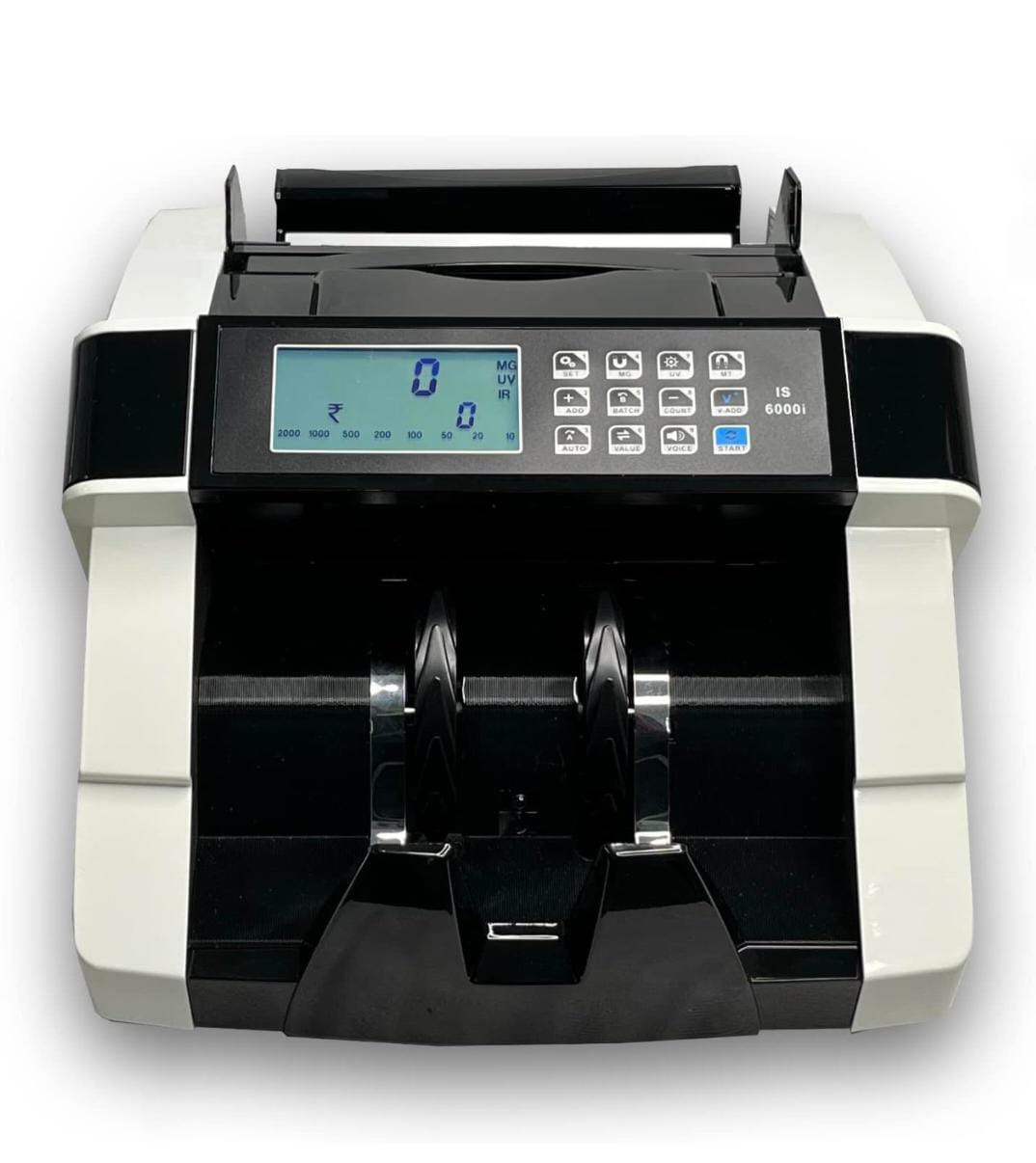
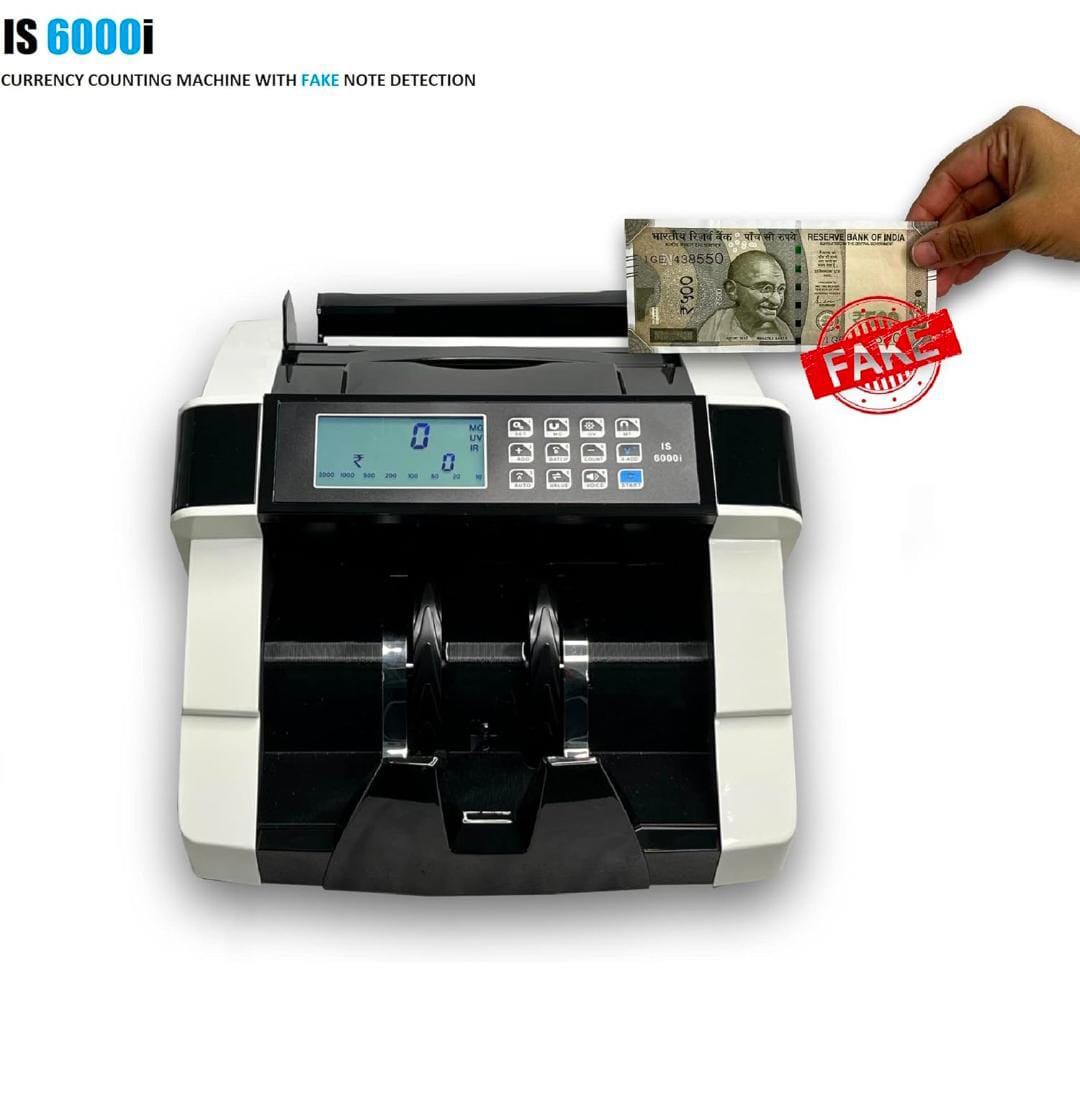
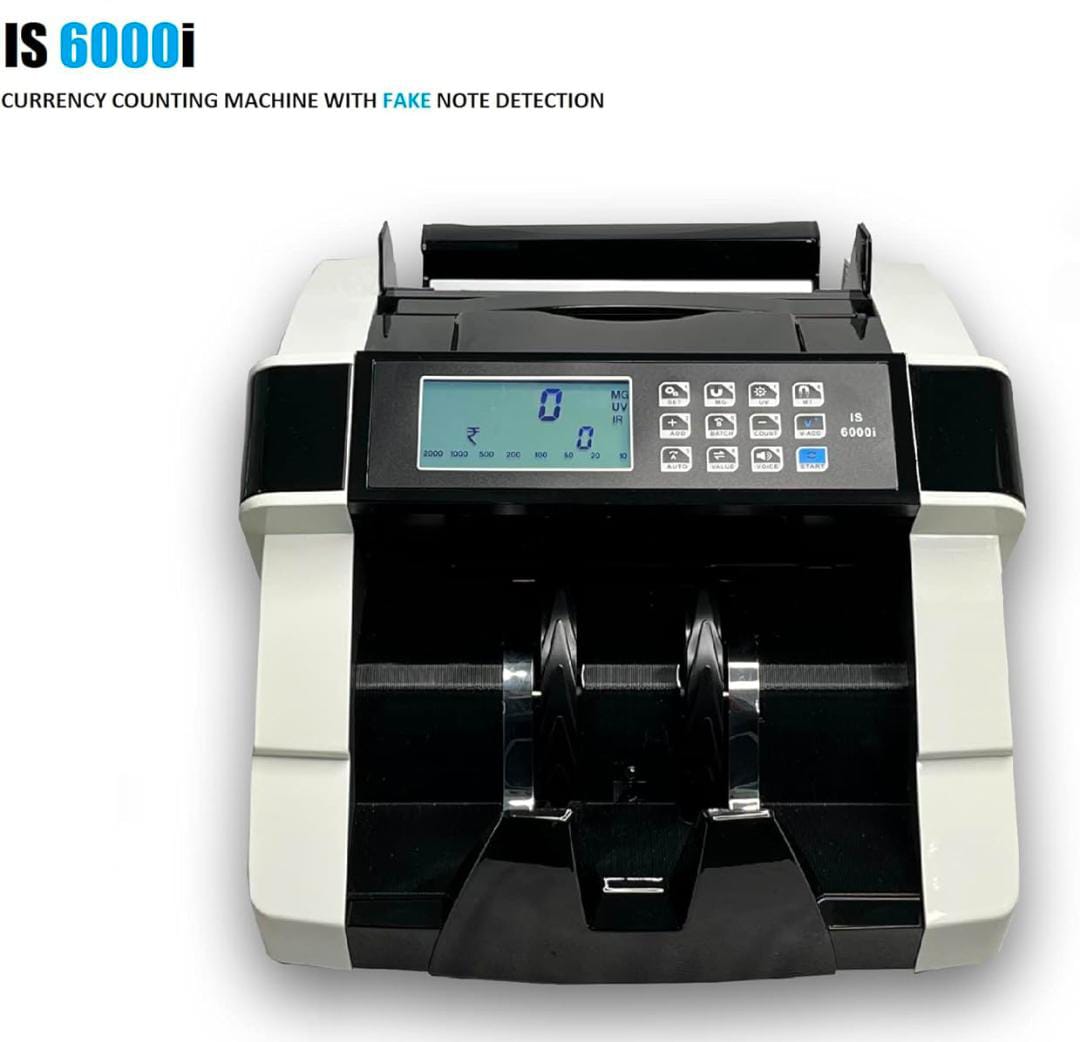
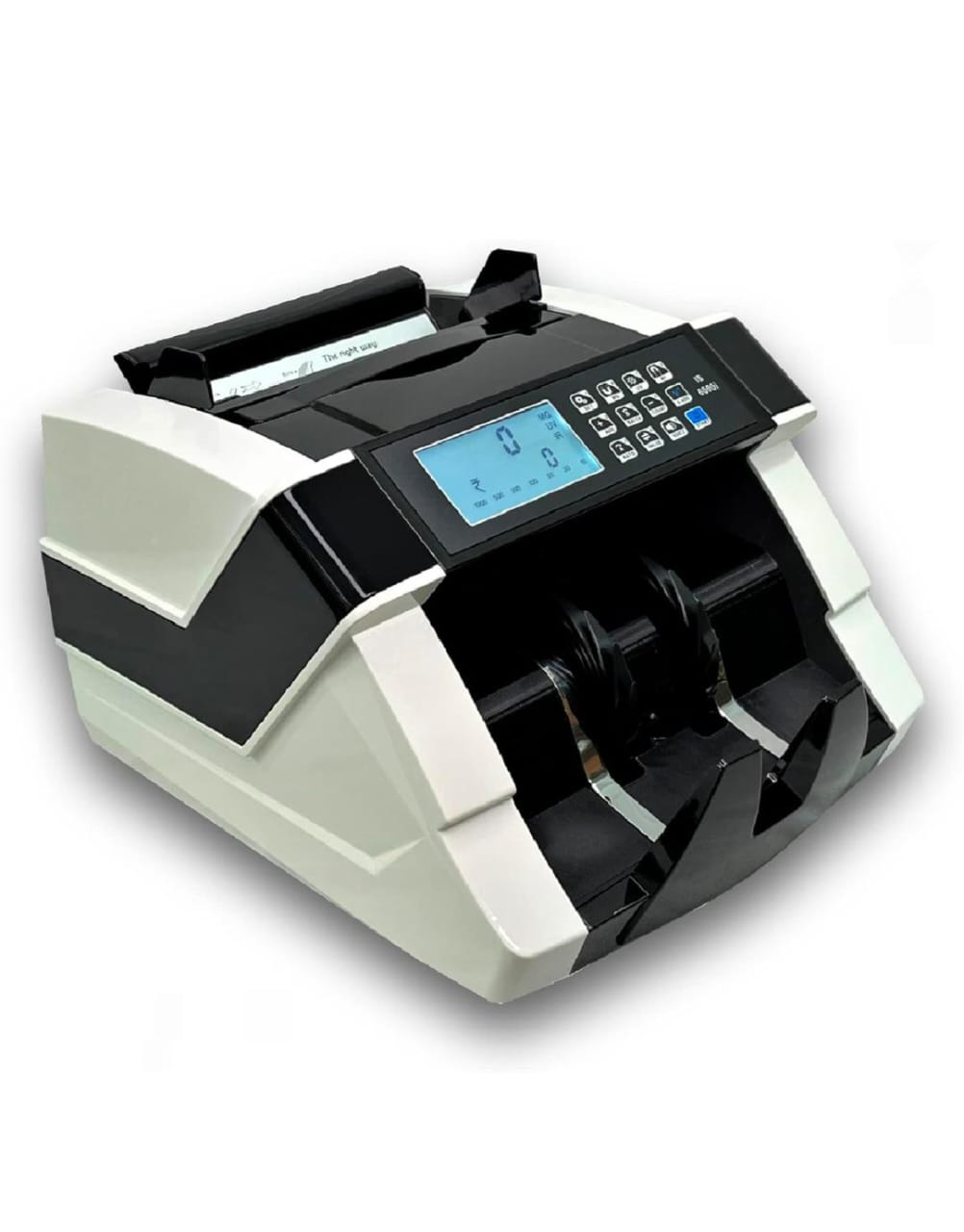
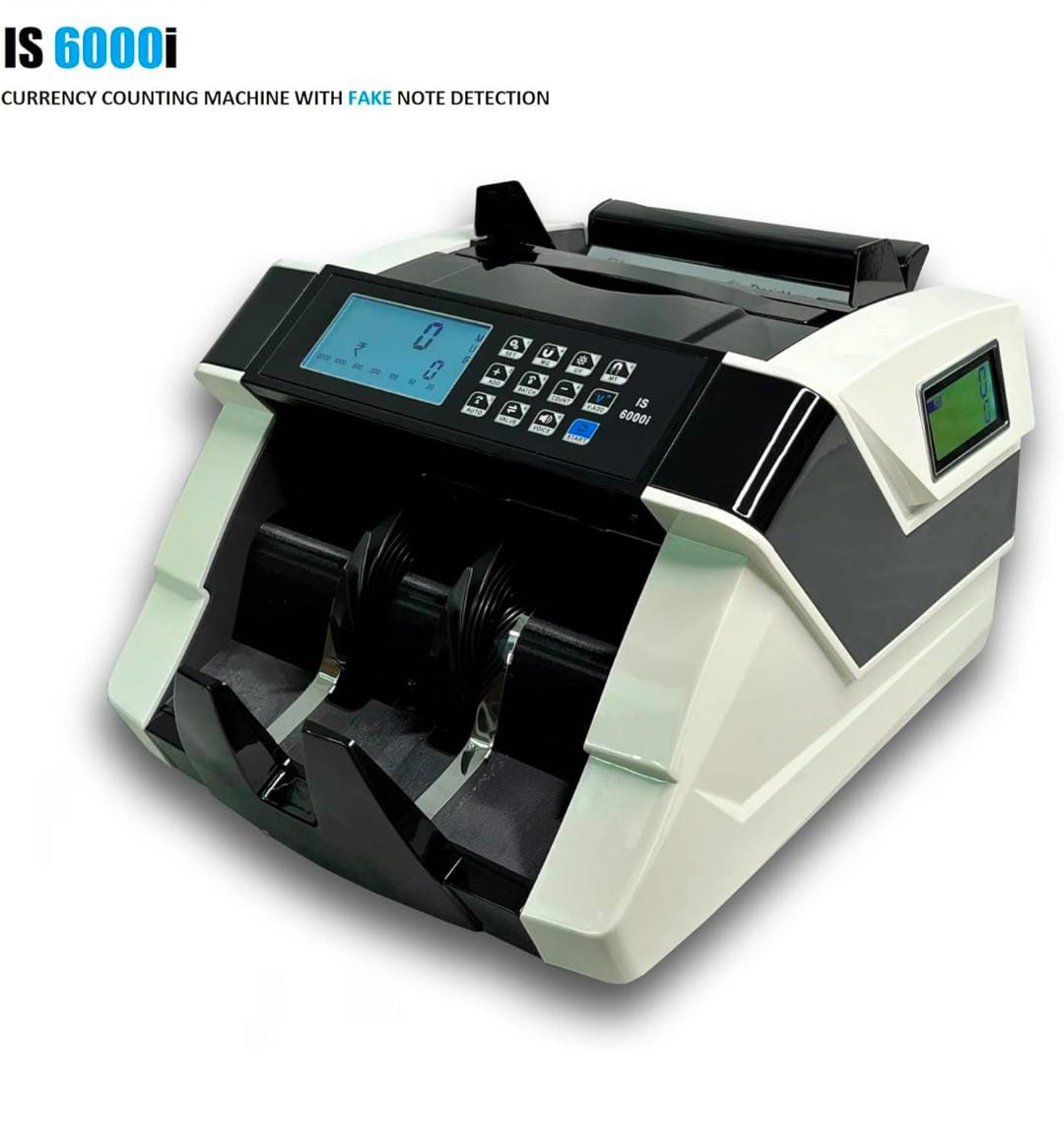
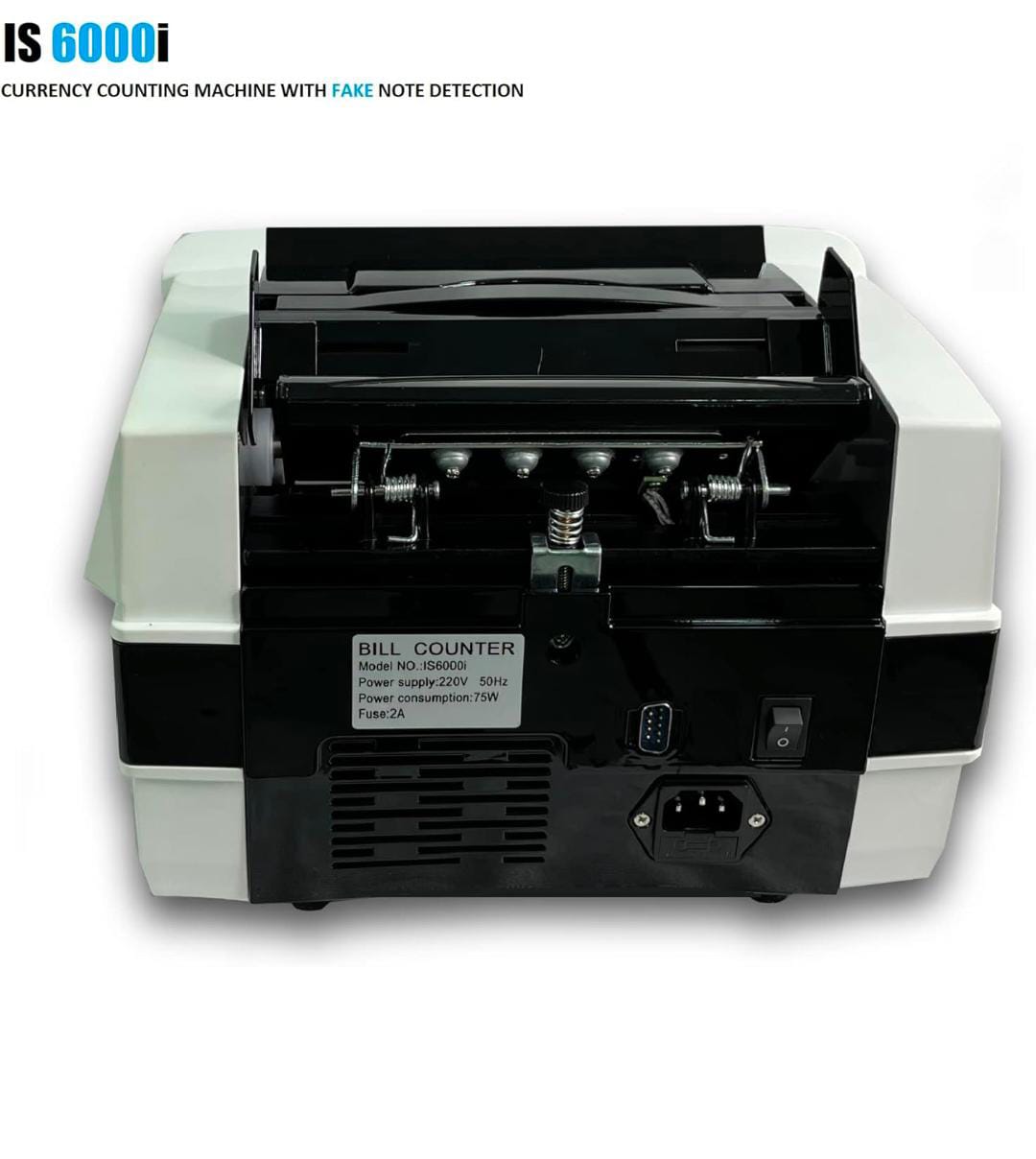
Bankos IS5900 Note Counting Machine with Fake Note Detection
Get 5% off on min. order of Rs 700 and above.
Applicable for All Users.
Money Counting Machine – Important Usage Guidelines & Features
These money counters are designed to count the number of notes only. They do not automatically recognize or differentiate mixed currency denominations.
⚠️ Important Instructions Before Use
If you need to count different bill denominations, do not insert mixed notes at the same time.
The machine can calculate total value only when a single denomination is selected manually.
If you require an automatic mixed denomination value counter, please consider our advanced models IS9000i or IS9900.
🔎 Error Detection & Alerts
Counterfeit, fake, half-cut, or magnetic-strip defective notes will trigger error codes on the display.
Please refer to the user manual to identify the exact issue shown by the machine.
For any assistance, feel free to contact our Customer Care Support using the provided contact numbers.
⭐ Important Feature Notice
Machines automatically subtract rejected or suspicious notes from the total count.
This is a built-in feature, not a machine error.
Multiple Counting Modes for Flexible Operation
✔️ Batch Mode
Set a predefined batch quantity for quick sorting.
Example: Insert 100 notes and set batch to 10 — the machine stops after every 10 notes for easy bundling.
✔️ Auto Mode
Counting begins automatically when notes are placed in the hopper — ideal for fast daily operations.
✔️ Manual Mode
Press the START button to begin counting manually after loading banknotes.
✔️ Count Mode
Counts notes without counterfeit detection — useful for quick verification tasks.
✔️ Add Mode
Adds multiple counting sessions together to show the total number of notes counted.
(Available only for single denomination counting.)
✔️ Value Mode
Select a fixed denomination to calculate the total monetary value instantly.
(All notes must be of the same denomination.)
✔️ Value Add Mode
Combines Value Mode and Add Mode to calculate the cumulative total value across multiple batches.